Section slides
A section slide divides a talk into parts. It announces where the audience has arrived, carries no body content, and usually shows a number so the deck’s shape stays legible.
Sections from headings
After #show: m.setup, a level-one heading is a section slide. Any text between that heading and the next == becomes the section’s subtitle, and the numbering is automatic:
= Methods

What the data can and cannot support.

== Data

This is one slide.
That is the whole mechanism for most decks. Sections declared this way also feed Typst’s native outline, the toc variant described below, and the breadcrumbs on the Navigation page, because the headings stay native throughout.
Explicit section slides
Write the slide with m.slide when it needs arguments a heading cannot carry. The section text is the slide’s own content, so pass one positional block:
#m.slide(layout: "section")[Methods]

#m.slide(
  layout: "section",
  number: [02],
  subtitle: [How the grid resolves],
)[Structure]
An explicit number: overrides the automatic counter for that slide. Omit it and the designed variants read the counter themselves, which is what you want in the ordinary case. Named arguments here refine the configured section layout rather than replacing it; see Refine a layout.
Variants
Each variant borrows a classic minimalist tradition:
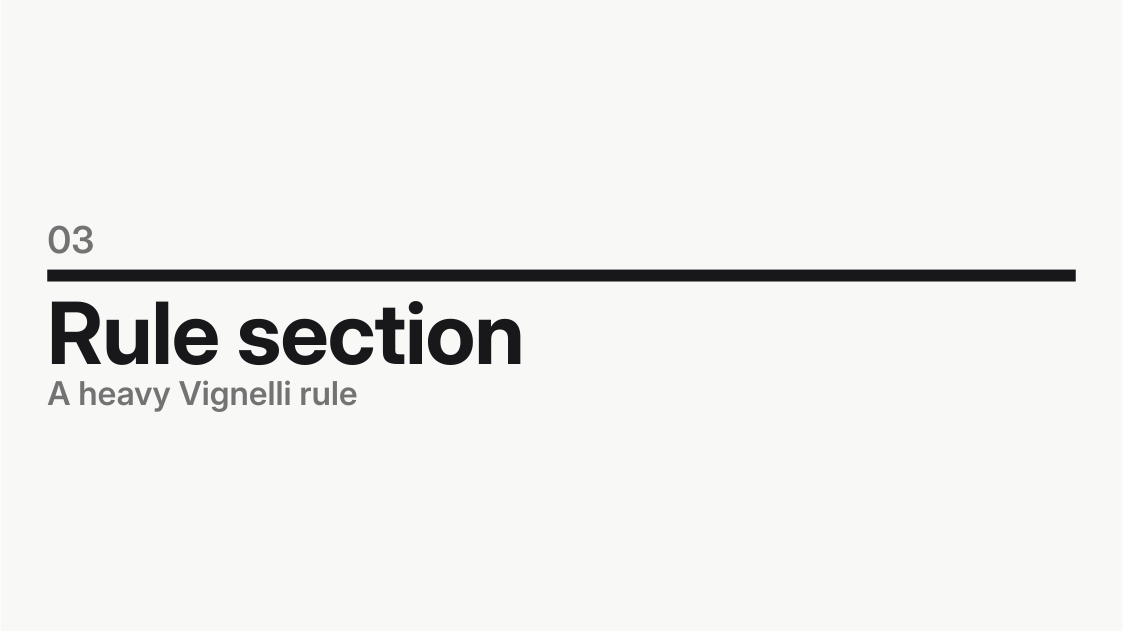
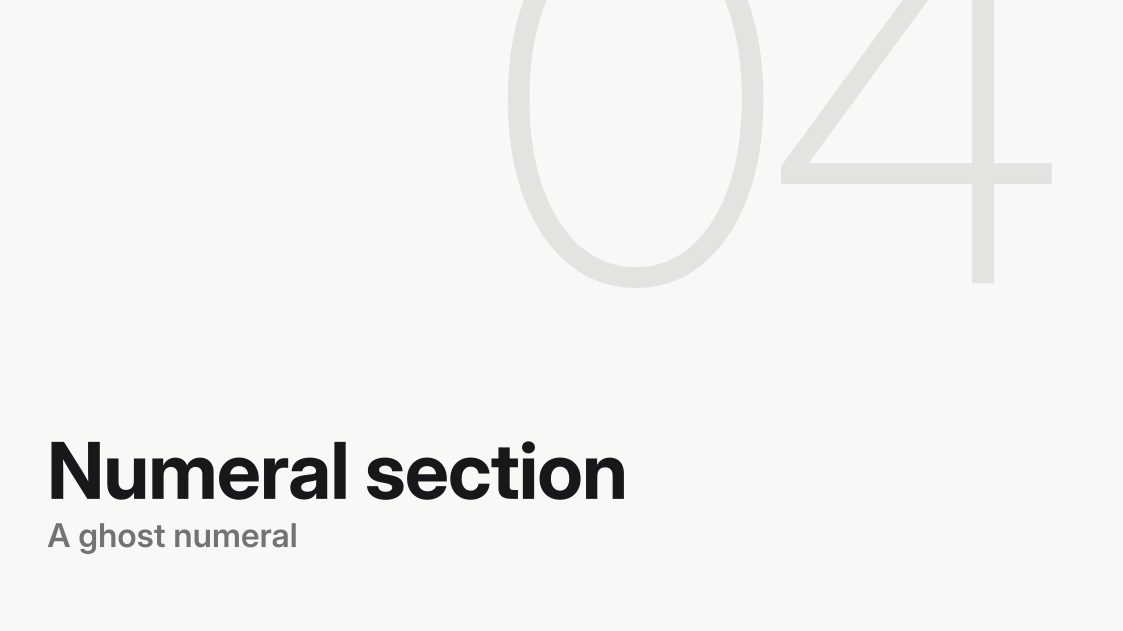
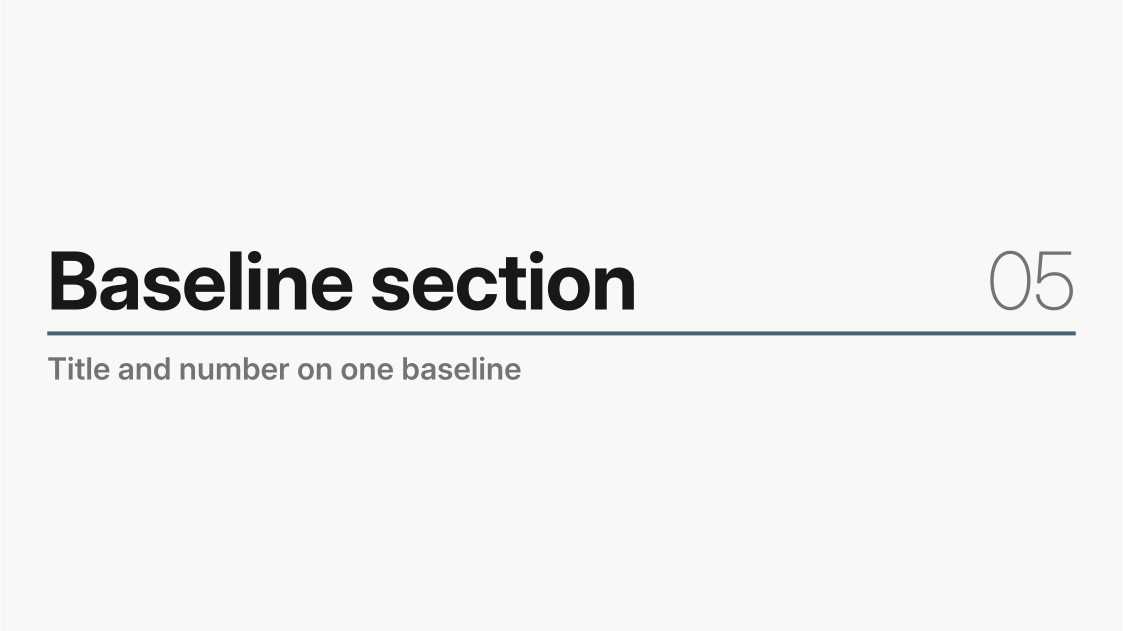
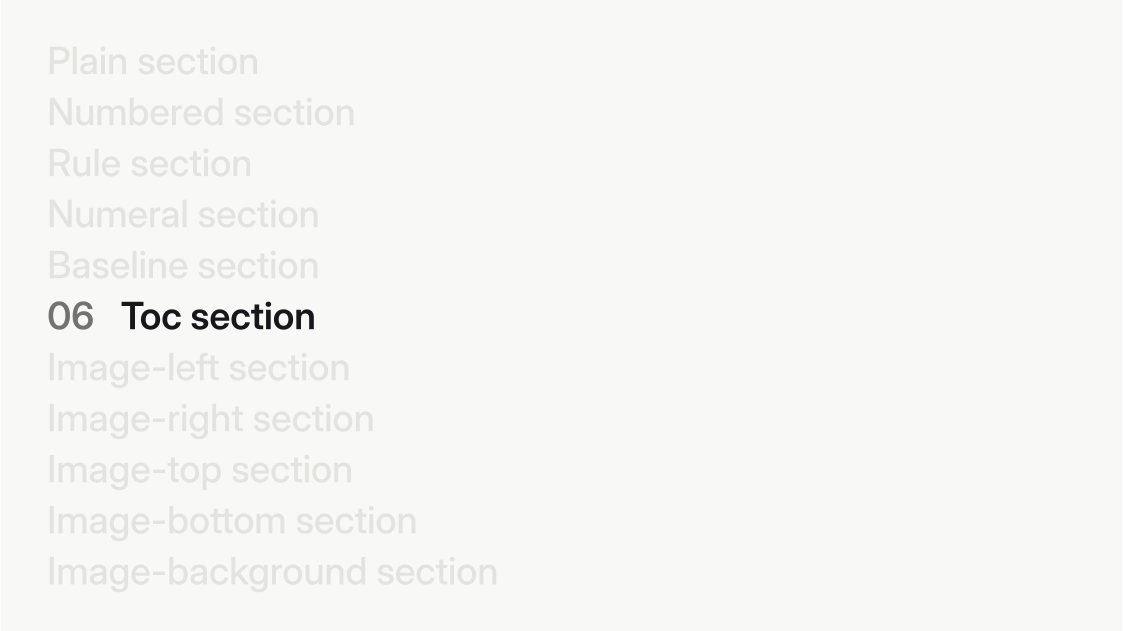
plain, the default: the title alone at the slide’s center.rule: the title beneath a heavy full-width rule, the number above it.numeral: an enormous ghost number bleeding off the top-right edge behind a lower-left title stack.baseline: title and number tied to one baseline by a hairline.toc: every section in the deck listed, with the current one alive and the others ghosted.
The designed variants build their composition around the section number, so an omitted number: reads the automatic counter.
The image variants place the section text beside a full-bleed picture (image-left, image-right, image-top, image-bottom, sized by tracks:) or directly over one (image-background). Every image variant requires image:, wrapped in Typst’s path() so the picture is found in your project rather than in the package; see Asset paths.
Written out in full, one of those slides is:
#m.slide(
  layout: "section",
  variant: "numeral",
  subtitle: [A ghost numeral],
)[Numeral section]
The thumbnails below grow the same divider one argument at a time: plain, numbered, the designed text variants, then each image placement. Open any thumbnail to see the slide at full size: