Footer and progress
Default footer content
Most decks repeat the same source, event name, or organization in every ordinary slide footer. Declare that value once in setup:
#show: m.setup.with(
  cells: (
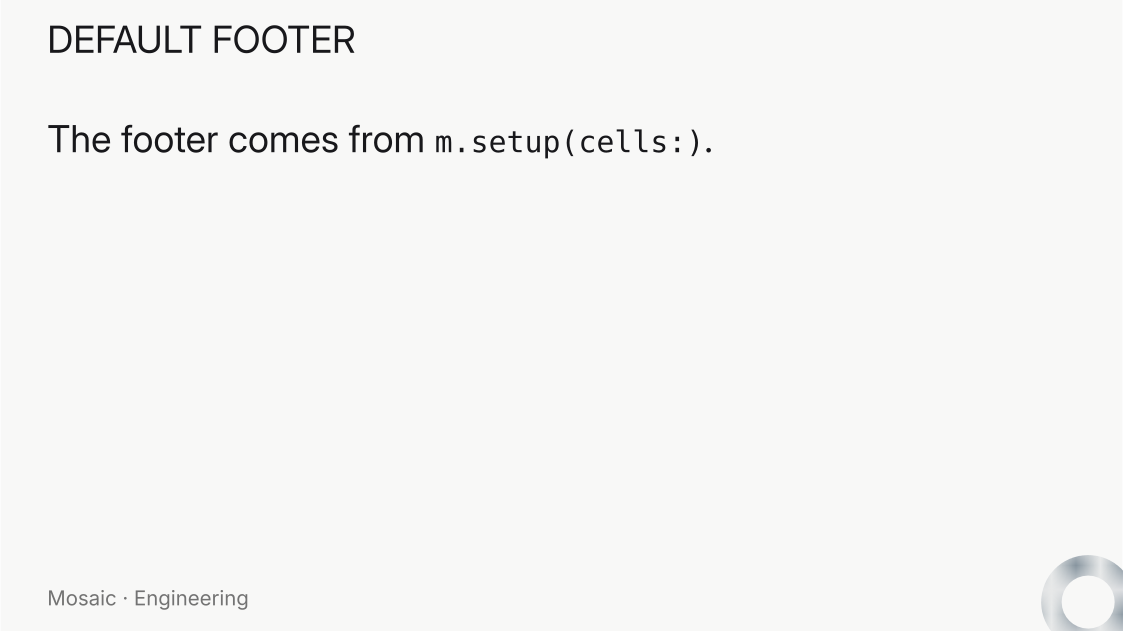
    footer: [Mosaic · Engineering],
  ),
)
The default applies whenever the slide’s layout contains a cell named footer. A title slide has no such cell, so it is unaffected. With a default footer, positional content supplies only the remaining cells:
#m.slide(
  layout: m.layouts.content(variant: "header-body-footer"),
)[RESULTS][Main result]
Named content can likewise omit footer. An explicit value overrides the deck default, while none suppresses it on one slide:
#m.slide(
  layout: m.layouts.content(variant: "header-body-footer"),
  cells: (
    header: [APPENDIX],
    body: [Supporting details],
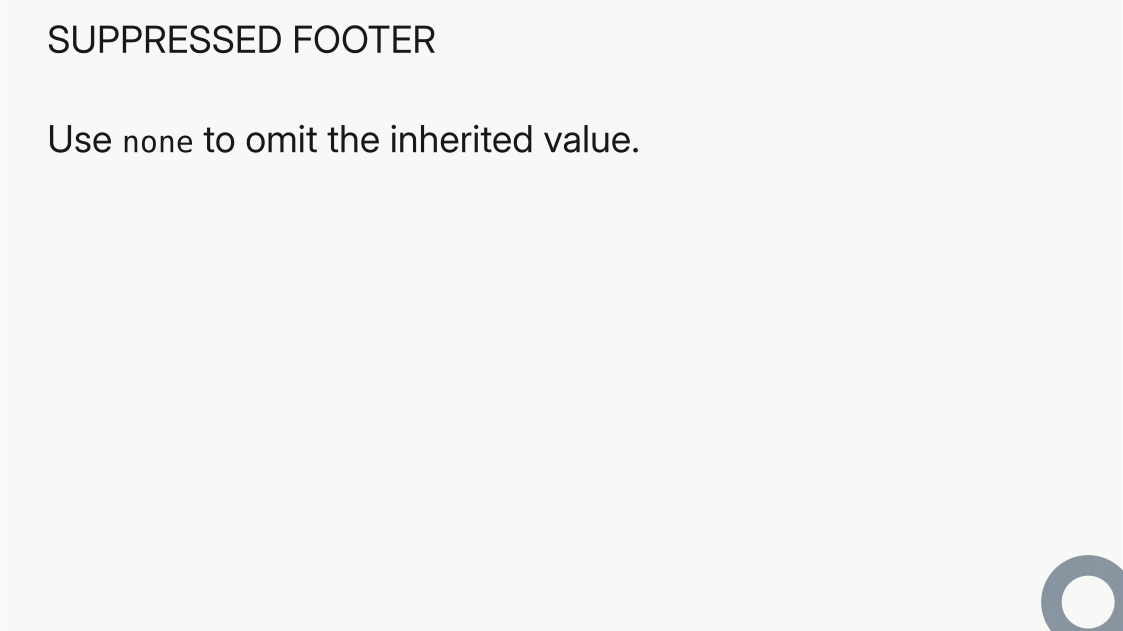
    footer: none,
  ),
)
A complete positional body list remains valid and overrides every corresponding default. The footer is an ordinary cell, and there is no separate global footer feature, so footers cannot overlap slide numbers, progress indicators, or the slide body.
#import "@preview/mosaic:0.0.1" as m

#show: m.setup.with(
  cells: (footer: [Mosaic · Engineering]),
)

#let layout = m.layouts.content(variant: "header-body-footer")

#m.slide(
  layout: layout,
  cells: (
    header: [DEFAULT FOOTER],
    body: [The footer comes from `m.setup(cells:)`.],
  ),
)

#m.slide(
  layout: layout,
  cells: (
    header: [SLIDE OVERRIDE],
    body: [Explicit slide content has precedence.],
    footer: [Confidential · Draft],
  ),
)

#m.slide(
  layout: layout,
  cells: (
    header: [SUPPRESSED FOOTER],
    body: [Use `none` to omit the inherited value.],
    footer: none,
  ),
)

Progress
m.components.progress() shows the current position in a deck. All frames from one incremental slide share the same slide number. Use "1/1" or "1" for numbers, "circle" for a compact indicator, and "line" for a full-width bar.
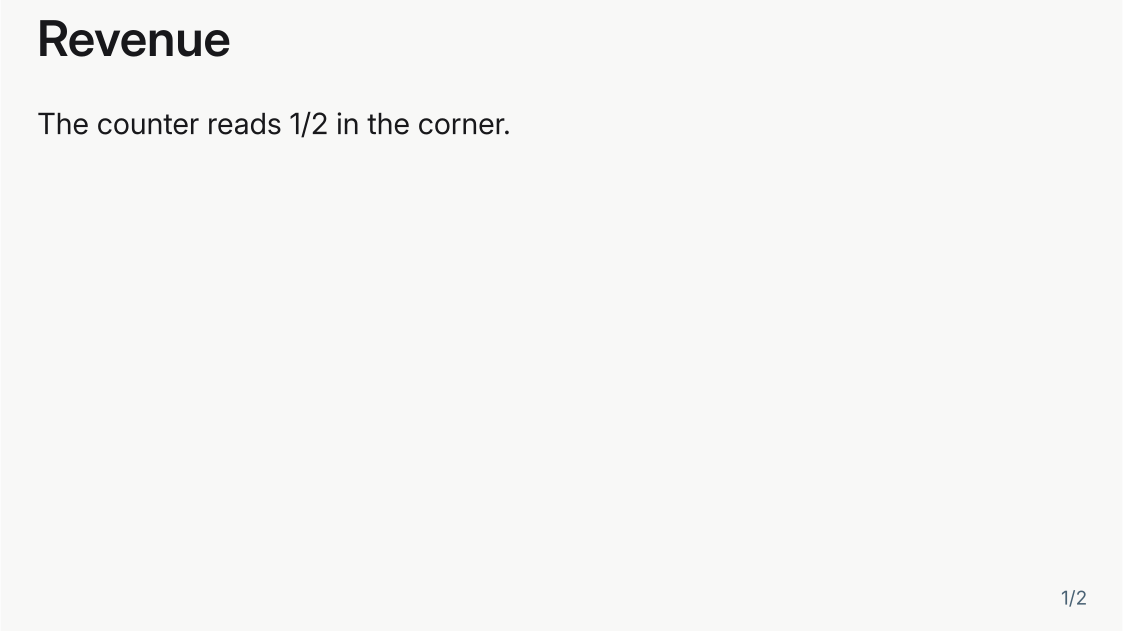
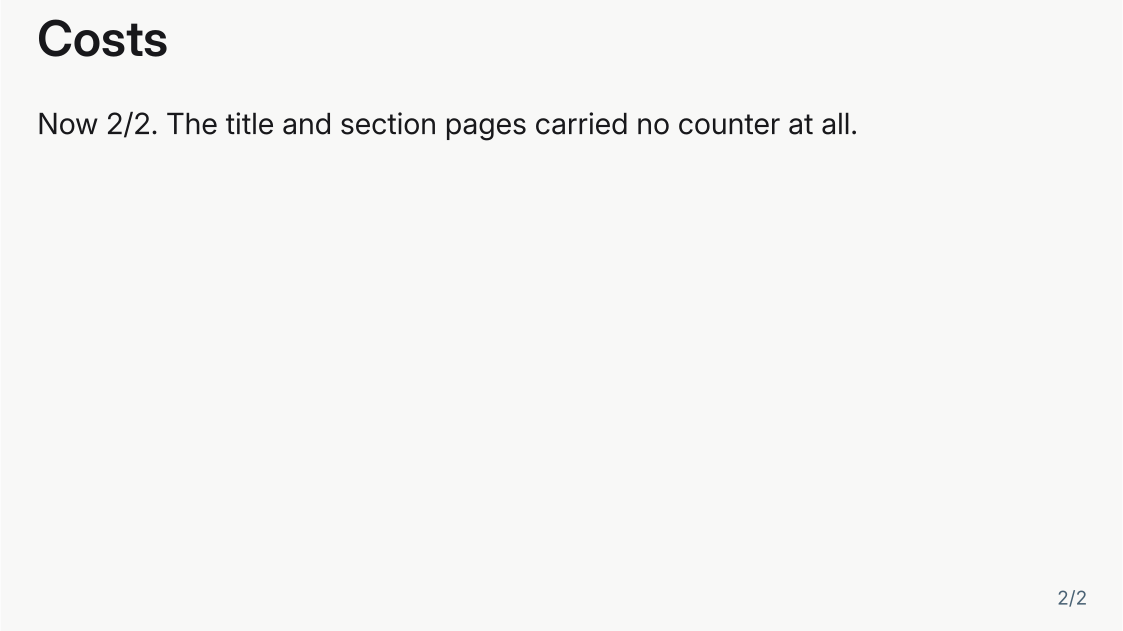
progress() in a deck foreground is therefore already correct page-number chrome, and a quiet: argument overrides the rule (false always displays, true silences every unnumbered page). In the released 0.0.1 the component always displays, so a foreground indicator needs the slide.numbered guard shown at the bottom of this page. One command installs the development version — curl -fsSL https://raw.githubusercontent.com/vincentarelbundock/mosaic/main/install.sh | sh — and then it imports as #import "@local/mosaic:0.0.2" as m. See Install for the full instructions.The deck below puts a bare counter in the setup foreground and nothing else. The counter appears on the two content slides and stays quiet on the title and section pages, with no guard written anywhere; sizing comes from an ordinary text rule around the component, and a one-off color would go through its accent: argument rather than a text rule, because the component paints its own ink from the theme role:
#import "@local/mosaic:0.0.2" as m

#show: m.setup.with(
  title: [Quarterly review],
  subtitle: [A footline that skips covers and dividers],
  foreground: align(bottom + right, block(
    inset: (right: 1.2em, bottom: 0.9em),
    text(size: 0.65em, m.components.progress()),
  )),
)
#set text(size: 22pt)

#m.slide(layout: "title")

= Findings

== Revenue

The counter reads 1/2 in the corner.

== Costs

Now 2/2. The title and section pages carried no counter at all.


A recurring progress line along the bottom edge is one foreground entry in setup. The foreground plane is already a full-slide block, so align alone places the bar, and because the plane takes no space from the grid, the line does not shrink the slide body:
#show: m.setup.with(
  foreground: align(bottom, m.components.progress(variant: "line")),
)#import "@preview/mosaic:0.0.1" as m
#show: m.setup.with(
layouts: (content: m.layouts.content(variant: "body")),
foreground: [
#place(bottom + right, dx: -1.5em, dy: -0.6em)[
#m.components.progress(variant: "1/1")
]
#place(bottom + left)[
#m.components.progress(variant: "line", width: 100%, thickness: 3pt)
]
],
)
#set text(size: 22pt)
#m.slide[
== Content-based numbering and progress
#m.steps.reveal[
- The logical slide number remains stable across frames.
- The progress indicator advances between logical slides.
]
]

#import "@preview/mosaic:0.0.1" as m

#show: m.setup

#let slide-progress = m.slide.with(
  layout: m.layouts.content(variant: "header-body"),
  foreground: [
    #place(bottom + right, dx: -1.25em, dy: -0.35em)[
      #m.components.progress(variant: "1/1")
    ]
  ],
)

#slide-progress[
  == Frame the question
][
  Begin with the decision the audience needs to make.
]

#slide-progress[
  == Show the evidence
][
  Make the comparison that supports the decision visible.
]

#slide-progress[
  == Land the conclusion
][
  End with the action the evidence supports.
]


The component can sit in a foreground, a cell, or another Typst container. This example adds a foreground bar to a custom grid:
#import "@preview/mosaic:0.0.1" as m

#show: m.setup

#let slide-grid = m.grids.columns(
  m.grids.cell("left"),
  m.grids.cell("right"),
)

// The two panels share a centered, bold look; the right one is tinted. Both
// are native rules on the structural cells' labels.
#show label("mosaic-cell-left"): set align(center + horizon)
#show label("mosaic-cell-left"): set text(size: 2em, weight: "bold")
#show label("mosaic-cell-right"): set align(center + horizon)
#show label("mosaic-cell-right"): set text(size: 2em, weight: "bold")
#show label("mosaic-cell-right"): it => block(
  width: 100%,
  height: 100%,
  fill: luma(94%),
  it,
)

#let slide-progress(left-body, right-body) = m.slide(
  layout: slide-grid,
  foreground: place(
  bottom + left,
  block(width: 100%)[
    #m.components.progress(
      variant: "line",
      accent: black,
      fill: white,
      thickness: 8pt,
    )
  ],
),
  ..(left-body, right-body),
)

#slide-progress()[1a][1b]
#slide-progress()[2a][2b]
#slide-progress()[3a][3b]

What the deck knows about itself
When a footline needs more than one indicator, read the deck directly. m.info() is a contextual reader returning everything the deck knows about itself: what the deck declared on setup, and where the slide being rendered sits. It is the same reading m.components.progress() does, so a hand-built bar and the component can never print different numbers.
#context {
  let deck = m.info()
  [#deck.section.title #h(1fr) #deck.slide.number/#deck.slide.total]
}
The record has six fields. Four are the deck metadata, exactly as setup received it:
title | The deck title. |
subtitle | The deck subtitle. |
authors | Always an array of resolved author records, whether the deck wrote a bare name or a full m.layouts.author record. Each carries name, affiliations, email, orcid, and corresponding. |
date | The deck date. |
Two are the position of the slide being rendered, which is what makes the reader contextual:
slide.number | This slide’s logical number. All frames of one incremental slide share it, and unnumbered slides report 0. |
slide.total | The deck’s final count of logical slides. |
slide.numbered | Whether this slide counts. Titles and sections are unnumbered by default, and numbered: on the slide decides it. This is the switch that keeps a folio or a counter off a cover. |
section.number | The number of the section this slide is in, counting slides that use the section layout. Before the first section slide it is 0. |
section.total | The deck’s final section count. |
section.title | That section’s own text, with any heading stripped, or none before the first section slide. A section slide reports its own section, not the previous one. |
Because slide.numbered says whether the slide counts, a footline can hold its counter slot clear on a cover rather than printing a zero into it:
#context {
  let deck = m.info()
  if deck.slide.numbered [#deck.slide.number/#deck.slide.total]
}
Reading the position rather than counting for yourself is what keeps a theme’s chrome honest across handouts and incremental frames, which is why the AnnArbor deck’s headline and footline are both one m.info() call.