Content slides
Content slides carry the body of a talk: a title and some prose, a bulleted list, a two-column comparison. They are the most common slide in almost every deck, and Mosaic makes them the default. A slide with no layout: argument is a content slide, and so is every == heading in the document.
== Three exams, equal weight

Each exam counts for a third of the grade.#m.slide[== Three exams, equal weight][Each exam counts for a third of the grade.]Both forms render the same slide through the same layout. Write headings for the ordinary case and reach for m.slide when a slide needs arguments a heading cannot express.
Mosaic recognizes four layouts by name: "content", "title", "section", and "image". Because "content" is the default you can usually omit it. This page covers the content layout. Content reaches the cells of every layout the same two ways, described in Filling cells.
Choosing a structure
The content layout comes in four variants: body, header-body, body-footer, and header-body-footer. Each theme picks one; the default theme uses header-body. Ask a slide for another with variant:. The == heading then fills the header, the next block fills the body, and a third block fills the footer:
#import "@preview/mosaic:0.0.1" as m
#show: m.setup

#m.slide(layout: "content", variant: "header-body-footer")[
  == Complete structure
][
  #lorem(50)
][
  Source: Mosaic
]
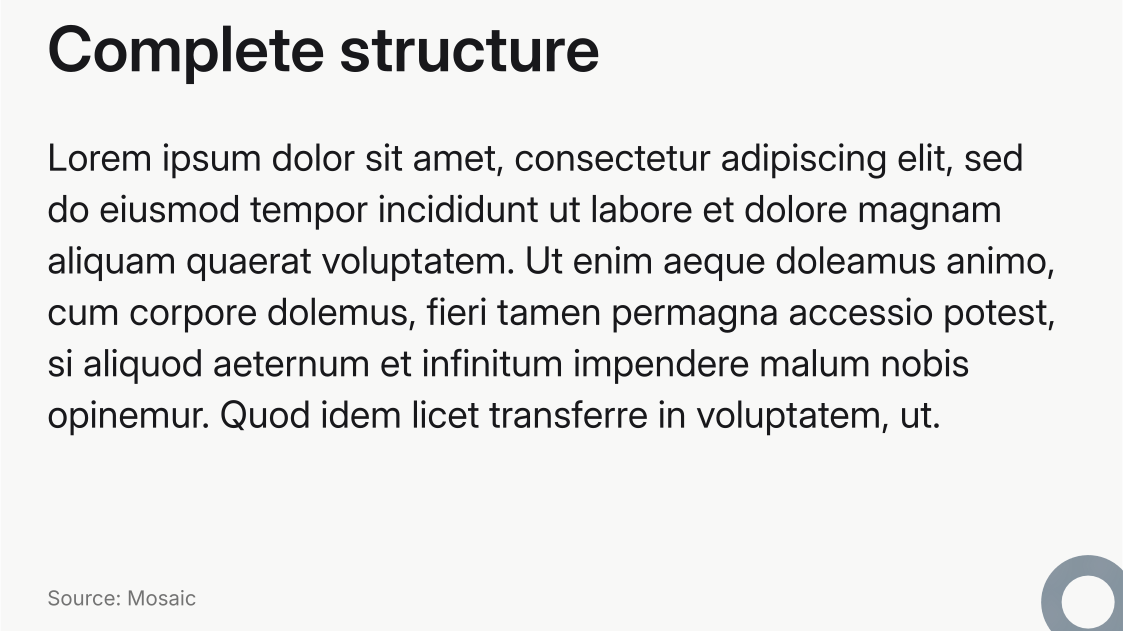
See Footer and progress for recurring footer content and Styling cells for cell styling.
Two columns
For a side-by-side comparison, set columns: 2 and supply three positional blocks: header, left, right. Write the header as a == heading so the slide keeps its place in the outline:
#import "@preview/mosaic:0.0.1" as m
#show: m.setup

#m.slide(layout: "content", columns: 2)[== Three exams, equal weight][
  Exam 1:

  - In class.
  - Multiple choice.
  - Short answers: 3-5 sentences.
][
  Exam 2:

  - Take-home reading.
  - Define five concepts from the book.
]
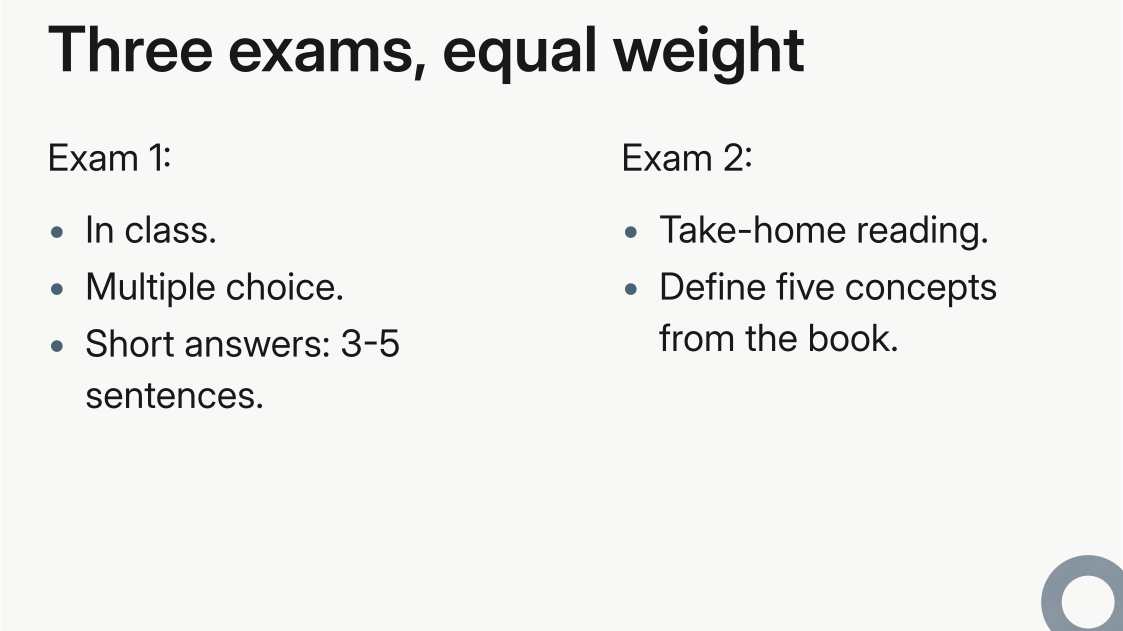
Add tracks: (2fr, 1fr) for an uneven split.
Every layout takes its fields this way, and a deck can adopt one throughout instead of naming it slide by slide. Refine a layout and Replace or reuse a layout cover both; the Layouts API lists all variants, cell IDs, and arguments.