Getting Started
Alpha software
Scrutin is alpha software under active development. Expect bugs, breaking changes, and rough edges. Please report issues at github.com/vincentarelbundock/scrutin.
This page assumes the scrutin binary is already on PATH. If not, head to Installation first.
First run
Scrutin can run in a terminal, as a web dashboard, or inside an editor like VS Code or RStudio using one of the official extensions. All of these frontends auto-detect your test framework, run every test file in parallel, and stream results as they arrive.
Users interested in a specific frontend should click the links above for setup details. In the simplest case, all you need to do is cd to the directory and run:
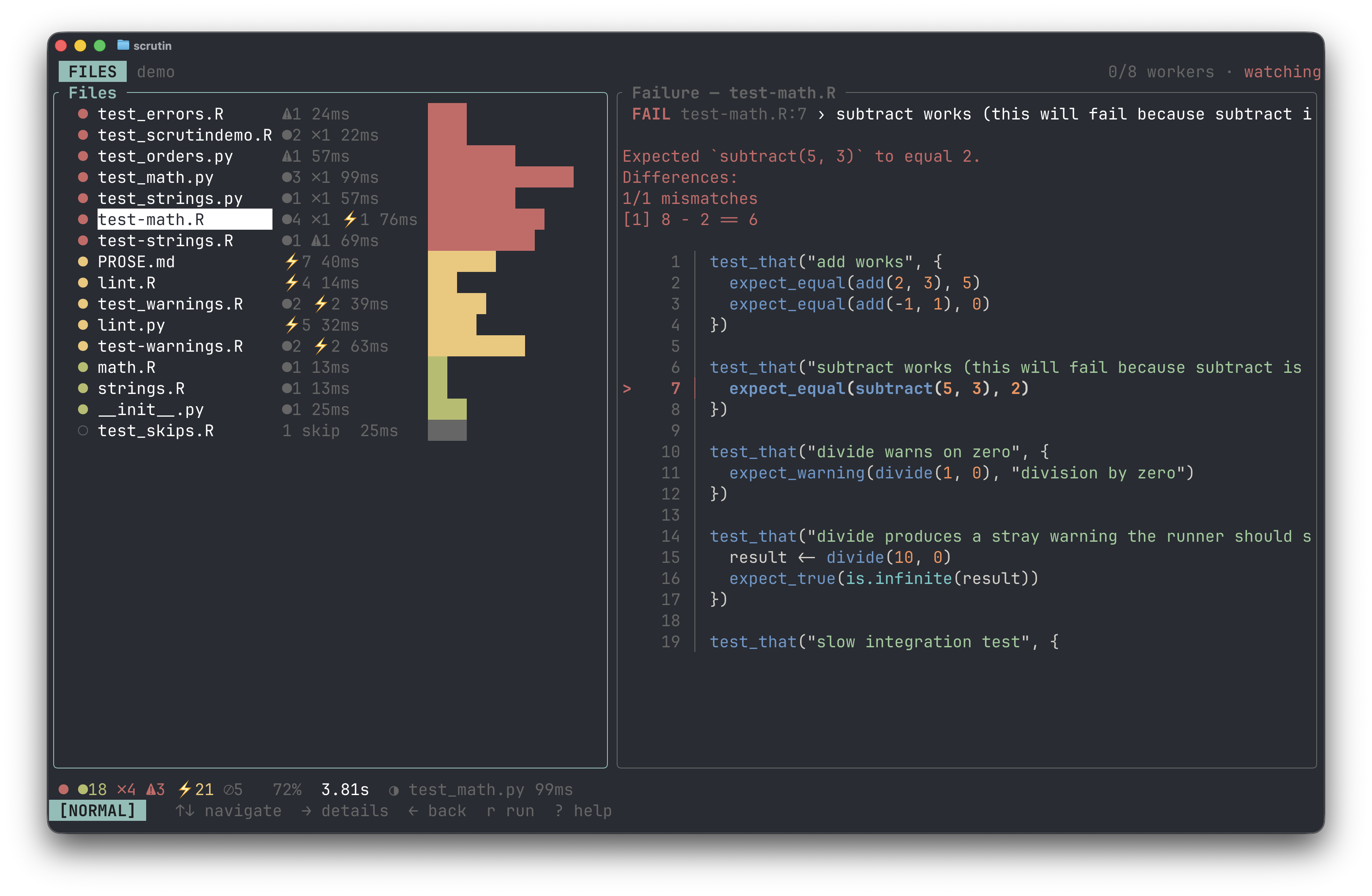
In the terminal UI:
- Each file is one row in the list; the counts bar at the bottom summarizes the run.
↑/↓move the cursor→drills into a file←goes backropens the run menux/Xcancels runsqquits?shows the full keymap- See Keybindings for a full list, including vim-style alternatives.
If no tests are detected, see Projects and Files for how detection works.
Configuration
Most projects need no config: auto-detection covers the common cases. When you do want to tune something (workers, timeouts, filters, per-tool options), generate a starter file at the project root:
That writes .scrutin/config.toml with commented-out defaults, plus one editable runner per detected tool under .scrutin/runners/<tool>.<ext> (see Projects and Files). scrutin init is idempotent: re-running it prints <path> already exists, skipping. for every file it would otherwise overwrite, so it never clobbers local edits. The full set of knobs is in the configuration reference.
Opting in to linters and spell checkers
Test frameworks and data-validation tools auto-detect. Linters and spell checkers are opt-in so a stray .py file in an R project does not suddenly start failing on style. Declare the tools you want via [[suite]] entries in .scrutin/config.toml:
See each tool's page for details: jarl, ruff, skyspell, typos.